
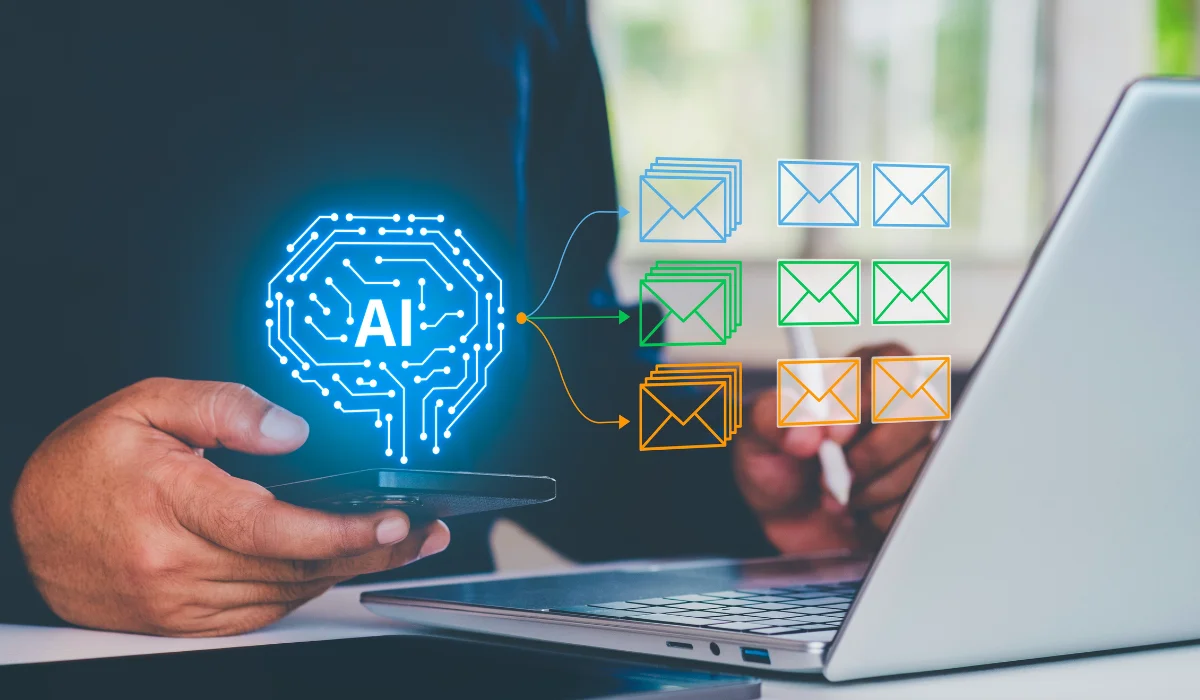
Email is essential for client communication, internal coordination, scheduling, and day-to-day business operations. It can also consume a surprising amount of attention. Microsoft telemetry found that the average worker in its dataset received 117 emails per day, with many messages skimmed in less than a minute.
For an Ohio small business, that makes inbox management a practical place to start using artificial intelligence. AI can help prioritize messages, summarize long conversations, prepare routine replies, identify follow-up work, and assist with scheduling. Current Outlook and Gmail AI features support several of these tasks.
The goal is not to put your inbox on autopilot. AI email management for small business works best when technology handles repetitive first-pass work while your employees remain responsible for decisions, sensitive conversations, and final communication.
Why Inbox Management Is a Good Starting Point for AI
Ohio has 1,081,292 small businesses, according to the U.S. Small Business Administration’s 2025 Ohio Small Business Profile. The same profile counts 129,656 small businesses in Professional, Scientific, and Technical Services. Those figures are based on Census Bureau data for nonemployer firms and employer businesses.
For law firms, accounting practices, consultants, and other professional-service businesses, email often sits at the center of daily work. An inbox may contain client requests, document discussions, project updates, meeting invitations, invoices, and messages from employees or vendors.
Those messages do not deserve equal attention. Some require action now, some need a response later, and others are simply informational. AI inbox management can help with that first layer of organization, giving you a more useful starting point before you work through the details yourself.
What AI Can Actually Do With Your Inbox
The most practical uses of AI in email are focused and repetitive. Think of an AI email assistant as a first-pass helper. It can organize information and prepare work for you, but it should not automatically make every decision.
Prioritize Messages That Need Your Attention
A crowded inbox makes urgent messages look much like newsletters, routine alerts, and lower-priority updates.
Some AI email tools can help identify messages that need a reply or deserve higher priority. Microsoft, for example, documents Copilot features in Outlook that can prioritize email, surface messages requiring a response, and perform triage actions.
That can give business owners and managers a better way to start the day. Instead of reading every message in chronological order, you can focus first on conversations most likely to require action.
Summarize Long Email Threads
Email threads become difficult to follow when a project involves several people or continues over multiple days. Getting back up to speed can mean reading numerous messages simply to reconstruct what happened.
AI email summarization can condense a conversation into its main points. Both Microsoft Copilot in Outlook and Gemini in Gmail currently offer email-thread summarization capabilities.
This can help when you join a conversation late, return from time away, prepare for a meeting, or cover for a coworker. For decisions involving money, contracts, deadlines, or client commitments, however, read the original messages before acting. A summary is a shortcut to context, not a replacement for the source.
Draft Routine Replies
Writing a short response may only take a few minutes, but those minutes add up when the same types of messages appear throughout the week.
An AI email assistant can prepare a first draft for a meeting confirmation, acknowledgment, status update, scheduling response, or other routine message. Copilot and Gemini both support AI-assisted email drafting.
Your employee can then check the facts, adjust the wording, and send the message. Keeping that review step matters most when an email involves pricing, a complaint, confidential information, a deadline, a contract, or a payment instruction.
Identify Follow-Ups and Action Items
Useful work often gets buried inside email. A client might request a document in the middle of a long message, or a vendor might ask for approval near the end of a thread.
AI can help surface action items and follow-up work from email conversations. Microsoft currently documents Copilot capabilities for finding action items and follow-ups across email and meetings.
This use of AI inbox organization can be especially helpful for teams managing multiple clients or projects. The benefit is not simply having fewer unread messages. It is making requested work easier to spot before it gets overlooked.
Make Scheduling Less Time-Consuming
Scheduling is another task where small amounts of administrative work can accumulate. Several rounds of email may be needed just to agree on a meeting time.
AI features can reduce some of that back-and-forth. Microsoft, for example, supports scheduling a meeting from an Outlook email thread with Copilot.
That may not save much time on a single message, but it can remove repetitive steps for employees who coordinate meetings throughout the week.
Where AI Helps Most and Where People Should Stay Involved
Not every email task calls for the same amount of automation. A useful way to decide is to consider what happens if the AI gets something wrong.
| Email Task | How AI Can Help | What a Person Should Verify |
|---|---|---|
| Inbox prioritization | Surface higher-priority messages | Whether the priority is correct |
| Thread summaries | Condense long conversations | Details in the original messages |
| Routine reply drafts | Prepare a starting response | Facts, tone, and recipients |
| Action items | Surface follow-ups and requests | Deadlines, ownership, and context |
| Scheduling | Help move a thread toward a meeting | Attendees, date, time, and purpose |
| Contracts or financial instructions | Limited drafting or summarization | The entire message before action |
| Complaints or sensitive matters | Provide limited drafting assistance | Final wording and business judgment |
The more a message depends on relationship context, confidentiality, money, or professional judgment, the more closely a person should remain involved.
Start With the AI Already in Your Email Platform
Before purchasing another AI email management tool, look at the platform your business already uses.
Microsoft Copilot offers Outlook features for inbox triage, summaries, drafting, and scheduling. Google offers Gemini features in Gmail for summarizing and drafting email, among other capabilities. Feature availability can depend on the product, account type, subscription, platform, and administrative settings.
Starting there also gives you a clear question to ask your IT provider: Which AI capabilities are already available in our environment, and which ones should employees be allowed to use?
Protect Business and Client Data Before Connecting AI to Email
A business inbox may contain contracts, invoices, financial information, client records, employee information, and private conversations. Connecting an AI application to email should therefore be treated as a security decision as well as a productivity decision.
Before approving a third-party AI tool, review the mailbox permissions it requests, the information it can access, how the provider handles business data, and what controls administrators have. Employees should not connect unapproved AI services to company accounts simply because a tool promises to save time.
AI email automation does not remove the security risks that already exist around email. The FBI’s 2025 Internet Crime Report recorded 24,768 Business Email Compromise complaints and $3,046,598,558 in reported BEC losses.
Account protections, phishing awareness, access controls, and careful verification of financial requests still matter when AI features are added to the inbox.
How to Test AI Inbox Management in Your Ohio Business
You do not need to introduce AI email automation to every employee at once. Start with one person or a small team that handles a meaningful amount of routine email.
Choose two or three specific tasks, such as summarizing long threads, drafting common replies, or finding follow-up items. Keep employee review in place and ask users to record where the tool saves time, where it misses context, and where correcting the output creates extra work.
After a defined pilot period, compare the results with the way the team worked before. This gives you evidence from your own business rather than relying on a vendor’s promise.
Measure Whether AI Is Actually Helping
Useful measurements can be simple. Look at how much time employees spend managing email, whether high-priority messages are handled promptly, how often follow-ups are missed, and how much editing AI-generated drafts require.
Employee feedback belongs in the evaluation as well. If a tool consistently requires extensive corrections, that workflow may not be a good candidate for AI.
The goal is not maximum automation. It is a better process.
Make Email a Practical First Step Into AI
For many Ohio small businesses, inbox management offers a focused way to put AI to work. The use cases are clear: prioritize messages, summarize conversations, prepare routine responses, surface action items, and reduce some of the administrative work involved in scheduling.
The safer approach is to start small, use approved business tools, protect access to mailbox data, and keep employees responsible for communication that carries financial, legal, confidential, or relationship consequences.
If you are considering AI email management for small business and want help determining what fits your current email environment, security requirements, and workflow, Keystone Technology Consultants can help you evaluate the options. You can also contact Keystone Technology Consultants to discuss a practical approach for your Ohio business.