AI tools are already part of many workplace conversations. Employees may use them to draft emails, summarize notes, organize ideas, or speed up routine tasks. Without clear guidance, they may rely on personal judgment to decide what information is safe to share and which outputs are ready to use.
That creates avoidable risk. A team member may paste confidential client information into an unapproved tool, use an AI-generated answer without checking it, or choose an application that does not meet the company’s security requirements.
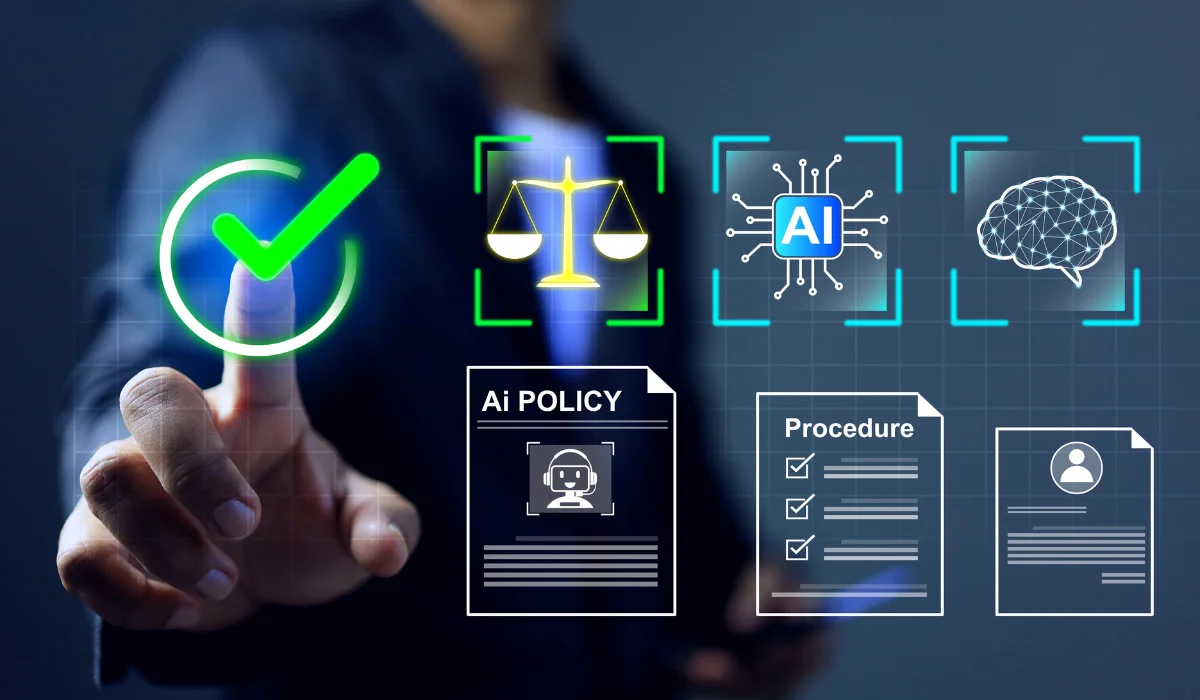
An AI policy gives Cleveland businesses a practical way to set boundaries before those habits become difficult to manage. The strongest policies are clear, specific, and easy to apply during daily work.
Key Takeaways
- Identify the data and business processes your AI policy needs to protect.
- Define clear categories for permitted, restricted, and prohibited AI use.
- Give employees practical examples instead of broad warnings.
- Require human review before AI-assisted work is used or shared.
- Review the policy as tools, risks, and workflows change.
Why Your Business Needs an AI Policy
An AI policy should do more than tell employees to “use AI responsibly.” It should explain which tools are approved, what information must stay out of prompts, when human review is required, and who can answer questions.
A clear policy helps your business:
- Protect confidential information.
- Reduce unapproved AI use.
- Create consistent expectations across teams.
- Give employees a safe way to explore useful tools.
- Respond more quickly when someone makes a mistake.
Our guide to creating an AI acceptable-use policy for employees explains the core elements every business should consider.
Start With the Data You Need to Protect
Before writing policy language, identify the information your business handles and where AI use could create exposure.
The Federal Trade Commission’s data-security guidance for businesses recommends taking stock of the personal information your company holds, understanding who can access it, and limiting unnecessary collection and retention.
For an AI policy, that means identifying information employees should not enter into an unapproved tool, such as:
- Customer or client personal information.
- Employee records.
- Financial information.
- Passwords or login credentials.
- Legal documents.
- Internal pricing or contract terms.
- Proprietary processes.
- Information covered by confidentiality agreements.
- Regulated or industry-specific data.
The exact list will depend on your business. A law firm, accounting firm, healthcare provider, manufacturer, and retailer will not face the same risks.
Identify the AI Tools Employees Already Use
A policy is more useful when it reflects actual behavior.
Ask employees which AI tools they use, what tasks they use them for, and where they are unsure about the rules. The goal is not to punish early adoption. It is to understand the real workflow before writing a policy that employees will need to follow.
This review may reveal:
- Free public tools employees use independently.
- AI features already built into approved business applications.
- Teams using AI for low-risk drafting or brainstorming.
- Workflows that need stronger controls.
- Tools that should be reviewed before broader adoption.
A simple inventory gives leadership and IT a clearer view of where AI already fits into the business.
Use Risk Categories Instead of a Long Tool List
AI tools change quickly. A policy built around a fixed list of products can become outdated fast. A more practical approach is to define categories of use.
Permitted Use
These are low-risk tasks that do not involve confidential, personal, regulated, or proprietary information.
Examples may include:
- Brainstorming general ideas.
- Drafting a routine email without sensitive details.
- Creating a first-pass agenda.
- Summarizing public information.
- Generating questions for a meeting.
- Improving the structure of a non-confidential document.
Employees should still review the output before using it.
Permitted Use With Review
These are tasks that may support internal work but require closer attention to accuracy, tone, or context.
Examples may include:
- Drafting internal documentation.
- Creating a template.
- Organizing meeting notes.
- Building a checklist.
- Summarizing a non-confidential report.
- Preparing a first draft of marketing content.
The employee remains responsible for the final work. AI output should be checked for errors, unsupported claims, missing context, and inappropriate language.
Restricted Use
These are tasks that require approval because they may involve sensitive information, higher-impact decisions, or tools that need additional security review.
Examples may include:
- Working with client information.
- Processing financial data.
- Reviewing contracts.
- Using AI in HR workflows.
- Connecting an AI tool to a business application.
- Automating a customer-facing process.
- Using AI to support a compliance-related decision.
Restricted use does not always mean prohibited use. It means the business should review the tool, data flow, and workflow before allowing it.
Prohibited Use
Some actions should be clearly off-limits unless the company has approved a specific tool and workflow.
Examples include:
- Entering passwords or login credentials into an AI tool.
- Sharing confidential client information with an unapproved application.
- Uploading employee records to a public chatbot.
- Using AI output as a final legal, financial, or compliance decision without qualified review.
- Publishing AI-generated claims without checking their accuracy.
- Using AI to impersonate another person or create deceptive content.
Clear examples remove guesswork.
Write the Policy in Plain Language
Employees are more likely to use a policy when they can understand it quickly.
Avoid a long document filled with technical or legal language. Use short sections, direct instructions, and realistic examples.
For example:
Too vague: Do not use AI in ways that could expose confidential information.
Clearer: Do not paste client files, customer account details, employee records, contracts, passwords, or internal financial information into an AI tool unless the company has approved that tool and workflow.
The second version gives employees a rule they can apply immediately.
Explain the Reason Behind the Rules
A policy is easier to follow when employees understand its purpose.
Explain that AI rules protect:
- Client trust.
- Employee privacy.
- Confidential business information.
- The accuracy of company communications.
- Compliance obligations.
- The company’s reputation.
The goal is not to block useful tools. It is to help employees use them without creating risks the business cannot see or manage.
Our guide to AI prompt-security best practices for Cleveland-area teams provides practical examples of the information employees should keep out of prompts.
Require Human Review
AI can produce useful first drafts. It can also produce incorrect, incomplete, or misleading answers.
Your policy should state that employees remain responsible for work created with AI assistance. Before using or sharing an output, they should review:
- Facts and figures.
- Names, dates, and contact information.
- Links and sources.
- Tone and context.
- Compliance requirements.
- Client-specific details.
- Recommendations that could affect a business decision.
Higher-risk work needs a higher level of review. A brainstorming list and a client-facing recommendation should not follow the same approval process.
Train Employees With Real Examples
Sending a policy by email is not enough.
Walk employees through the rules during a short training session. Use examples that match the work they already do and give them time to ask questions.
Training should cover:
- Which tools are approved.
- Which data should never enter an unapproved AI tool.
- How to classify a use case.
- How to review AI output.
- Who can approve a restricted use.
- What to do after a possible data exposure.
- Where to ask questions.
Our article on how Ohio businesses can train employees to use AI safely offers a practical framework for role-based training.
Make It Easy to Ask Questions and Report Mistakes
Employees need a clear point of contact.
Name the person or team responsible for AI-policy questions. Depending on your organization, that may be IT, security, compliance, HR, or a designated manager.
The policy should also explain what employees should do if they accidentally share information with an unapproved tool or notice a risky workflow.
Encourage prompt reporting. Hiding a mistake can create a larger problem than the initial error.
Use a Risk-Management Framework
A small or mid-sized business does not need to turn its AI policy into an enterprise compliance program. It does need a repeatable way to review risk.
The NIST AI Risk Management Framework gives organizations a useful structure for thinking about AI risk. Its core functions are:
- Govern: Set responsibilities, policies, and oversight.
- Map: Understand where AI is used and what risks may apply.
- Measure: Evaluate the impact and severity of those risks.
- Manage: Prioritize actions and monitor the results.
For a Cleveland business, that can translate into a straightforward process:
- Inventory the tools employees use.
- Identify the data each tool may access.
- Classify the risk level of each use case.
- Approve, restrict, or prohibit the workflow.
- Train employees.
- Review the policy regularly.
Review the Policy Regularly
An AI policy should change as your tools and workflows change.
Review it at least once a year and whenever your business:
- Approves a new AI platform.
- Connects AI to a business system.
- Expands AI use into a new department.
- Handles a new type of sensitive data.
- Experiences a security incident or near-miss.
- Learns that employees are using an unapproved tool.
A periodic AI risk assessment can help your business identify gaps before they become larger problems.
Build a Policy Employees Can Use
A practical AI policy should make daily decisions easier.
Employees should know which tools they can use, which information must stay private, when approval is required, and who can help when a new situation comes up.
At Keystone Technology Consultants, we help Cleveland-area businesses evaluate AI tools, assess risk, create practical guardrails, and train teams to use AI more securely.
Explore our AI solutions for businesses or start the conversation with our team.
Frequently Asked Questions
What Should an Employee AI Policy Include?
An employee AI policy should identify approved tools, prohibited data, permitted use cases, restricted activities, review requirements, reporting procedures, and the person or team responsible for questions and approvals.
Should Employees Be Allowed to Use AI at Work?
That depends on the task, the tool, and the information involved. Many businesses can allow low-risk uses, such as brainstorming or drafting general communications, while requiring approval for workflows involving sensitive information or important decisions.
Can Employees Enter Client Information Into an AI Tool?
Employees should not enter confidential or personal client information into an unapproved tool. When a business wants to use AI for a workflow involving client data, it should review the tool, account settings, vendor terms, data protections, and applicable requirements first.
How Often Should a Business Update Its AI Policy?
Review the policy at least annually and whenever the business adopts a new tool, changes a workflow, identifies a new risk, or experiences an incident or near-miss.
Who Should Own the AI Policy?
Ownership depends on the company. IT, security, HR, compliance, and leadership may all have a role. The policy should name a clear point of contact so employees know where to ask questions and report concerns.