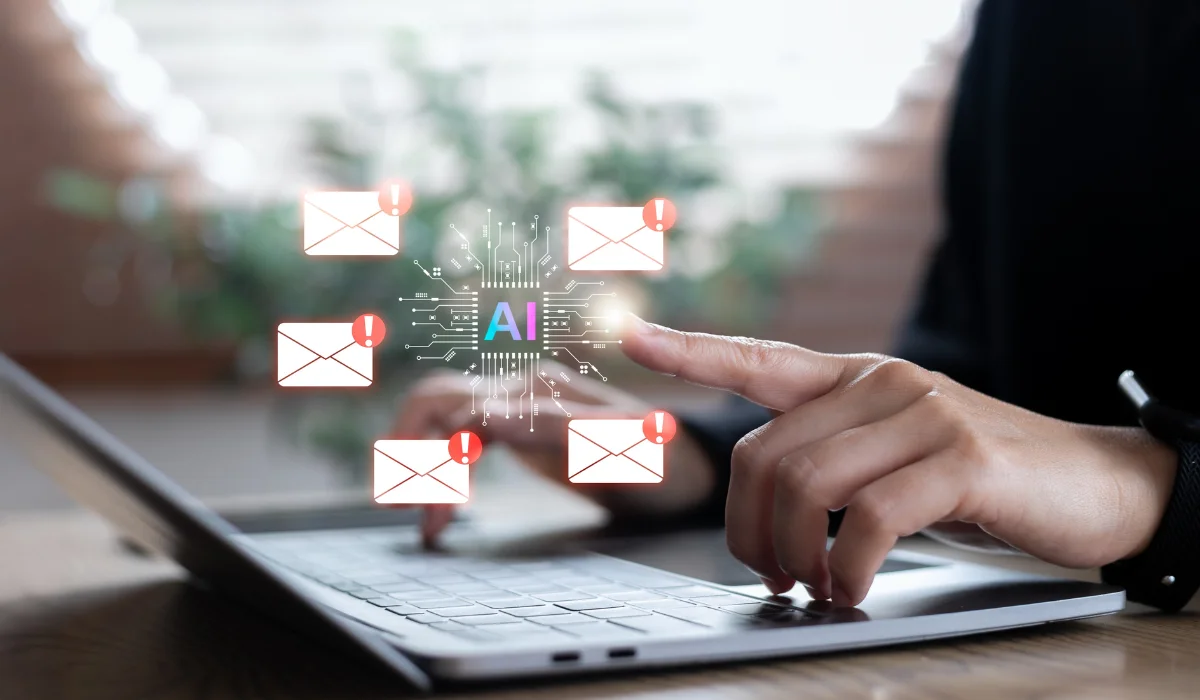
Customer emails can pile up quickly, especially when a small team is already handling appointments, quotes, service requests, and follow-ups.
AI customer service email drafting can help by turning basic notes and approved information into a clear first draft. Your team still reviews the message, checks the details, and makes the final decision before it is sent.
This is already becoming a familiar business practice. The U.S. Chamber of Commerce reported that 58% of surveyed small businesses used generative AI in 2025, up from 40% in 2024 and 23% in 2023.
The opportunity is real, but so are the limits. AI can prepare a response, improve its tone, and organize information. A knowledgeable employee should still decide whether the message is accurate, appropriate, and ready to send.
What AI Customer Service Email Drafting Does
AI email drafting starts with information supplied by an employee. That information may include the customer’s question, verified business details, the desired next step, and instructions about length or tone.
The AI tool uses those instructions to produce a proposed response. Your employee can then correct the facts, add context, remove unnecessary wording, and adjust the message so it sounds like your business.
This is different from customer service email automation that sends messages without human approval. Drafting keeps a person involved, which makes it a better starting point for most local companies.
| Customer Email Task | How AI Can Help | What an Employee Must Check |
|---|---|---|
| Appointment confirmation | Create a clear confirmation from scheduling details | Date, time, location, and contact information |
| Service status update | Organize project notes into a concise response | Current status, expected completion, and promised actions |
| Quote follow-up | Write a polite reminder or next-step message | Pricing, expiration dates, and service terms |
| General service question | Explain an approved service description in plain English | Accuracy, availability, and geographic coverage |
| Complaint acknowledgment | Create a calm first response that recognizes the concern | Tone, responsibility, escalation, and proposed next step |
| Document request | List the materials a customer needs to provide | Completeness, privacy, and submission instructions |
The tool is most useful when the employee already knows the answer. It helps with wording and structure, not with deciding what your company should do.
Why Local Businesses Should Start With Drafts
A local business often wins customers through familiarity, responsiveness, and trust. A reply that sounds generic or gives the wrong answer can weaken that relationship, even when it arrives quickly.
Starting with AI-generated drafts lets you test the technology without handing over control of the customer conversation. Employees can learn which prompts work, which messages need substantial editing, and which types of email should never be handled by an automated process.
There may be a meaningful time benefit. A Federal Reserve Bank of St. Louis analysis found that people who used generative AI reported saving an average of 5.4% of their work hours, equal to about 2.2 hours during a 40-hour week.
Those findings cover many kinds of work, not customer service email alone. Still, they show why routine drafting is worth testing. Even a few recovered hours can help an office manager, service coordinator, or customer support employee keep up with a busy inbox.
Match AI Use to the Risk of the Email
Not every customer email deserves the same process. A question about business hours carries far less risk than a refund dispute, legal concern, or message involving private financial information.
A simple risk model gives employees clearer boundaries. It also prevents a low-risk drafting tool from quietly becoming an unsupervised decision-making system.
| Risk Level | Common Examples | Recommended Rule |
|---|---|---|
| Low | Business hours, appointment confirmations, receipt acknowledgments, standard directions, and public service information | AI may prepare the draft. An employee reviews it before sending. |
| Moderate | Quotes, refunds, billing questions, complaints, delays, account issues, and policy explanations | AI may assist, but the employee must verify every fact and may need manager approval. |
| High | Legal questions, medical details, financial advice, security incidents, threats, discrimination complaints, and contract disputes | Send the message to a qualified employee. Do not rely on a general AI draft. |
The categories should reflect your actual business. An accounting firm, law office, medical practice, retailer, and home services company will handle different information and face different consequences when a message is wrong.
Employees should know who receives an escalated message. Without that direction, they may keep editing an AI draft when the better choice is to involve a manager or subject matter expert.
Create a Consistent AI Email Drafting Process
The first step is choosing an approved tool. Employees should not copy customer messages into whatever free AI website they happen to find, especially when those messages contain personal or confidential details.
Next, define the email types the tool may assist with. Begin with a limited group, such as scheduling messages, general acknowledgments, and follow-ups based on approved templates.
Employees should then provide the AI with verified facts rather than asking it to find or invent the answer. The prompt should state what happened, what the customer needs to know, what action should come next, and what the draft must avoid.
Every message needs a final human review. That review should take place even when the draft sounds polished, because confident wording can hide a factual error or an unsupported promise.
| Review Item | What to Verify | Common Problem to Catch |
|---|---|---|
| Names and account details | Correct spelling and correct customer record | Details pulled from the wrong conversation |
| Dates and times | Appointment date, deadline, and time zone | An incorrect or outdated schedule |
| Prices and fees | Approved amount and current terms | A made-up discount or old price |
| Policies | Current written policy | An exception presented as a standard rule |
| Promises | What the company has actually approved | An unrealistic deadline or guarantee |
| Tone | Clear, respectful, and appropriate for the situation | A response that sounds cold, defensive, or overly casual |
| Links and attachments | Correct destination and intended file | A broken link or missing attachment |
| Next step | Who acts next and by when | A vague ending that creates another email exchange |
This checklist does not need to slow the team down. Once employees become familiar with it, the review can take less than a minute for a routine message.
Write Prompts That Produce Useful Drafts
A vague request such as “reply to this customer” forces the AI tool to fill in too many gaps. It may choose the wrong tone, leave out the next step, or add details that were never provided.
A stronger prompt includes the situation, approved facts, desired action, tone, length, and boundaries. For example:
Draft a friendly customer service email to a customer whose appointment is running late. Explain that the technician’s earlier job took longer than expected. The new arrival window is 2:30 to 3:00 p.m. Apologize for the delay, but do not offer a discount or make any other promises. Keep the email under 120 words.
That prompt gives the AI enough structure to prepare a useful response. The employee still needs to confirm the arrival window and decide whether the apology fits the situation.
Your business can create a small library of approved prompt formats for recurring emails. Those formats should be reviewed whenever your hours, services, pricing, policies, or customer communication standards change.
Protect Customer Information Before Drafting
Customer messages often contain more information than the AI tool needs. An email may include a home address, account number, payment details, health information, contract language, login credentials, or a private description of a dispute.
The Federal Trade Commission has warned that AI providers may receive sensitive customer information, internal documents, and business data through prompts. The agency has also stressed that providers must honor their privacy and confidentiality commitments.
Your team should remove unnecessary identifying information before creating a draft. A prompt may need the service date and approved explanation, but it probably does not need a complete account history or financial record.
Business-grade accounts may offer stronger administrative, privacy, and data controls than consumer accounts. Your IT team should review the provider’s terms, retention practices, security settings, access controls, and training-data policies before employees use the tool with business information.
Employees also need a clear reporting process. When someone accidentally enters restricted information into an unapproved tool, quick reporting gives management and IT a better chance to assess the exposure and respond correctly.
Keep the Message Personal
AI-generated email responses often become generic when the prompt contains too little context. Phrases that sound acceptable in a marketing email may feel dismissive when a customer is frustrated or confused.
Give the draft enough context to acknowledge the real situation. A customer who has called twice about a missed appointment should not receive the same response as someone asking a routine scheduling question.
Employees should also remove unnecessary filler. Customers usually prefer a direct explanation, a useful next step, and a realistic timeline over a long paragraph of polished language.
Reading the message aloud can help. When the response does not sound like something an employee would say to the customer on the phone, it probably needs another edit.
Measure Whether AI Is Helping
Start with one team and a small group of repeatable emails. A focused pilot makes it easier to see whether AI email drafting solves the problem or simply moves the work from writing to editing.
Track the average first-response time, the amount of editing each draft needs, errors found before sending, customer complaints, and the number of messages that require escalation. Employee feedback matters too, since a tool that saves time for one role may create extra work for another.
Do not judge the project by the number of AI-generated messages. A better result is faster service with no decline in accuracy, privacy, or customer satisfaction.
Review the results after several weeks. Keep the workflows that perform well, adjust the weak ones, and stop any use case that creates more risk or rework than value.
Use AI Without Losing the Human Side of Service
AI customer service email drafting can help a local business respond faster and write more consistently. It works best when the software prepares the first version and an employee remains responsible for the final message.
Begin with routine emails, approved tools, clear prompts, and a required review. Keep sensitive information out of unapproved systems, and send complicated situations to someone with the experience and authority to handle them.
Contact us to learn how Keystone Technology Consultants helps Northeast Ohio businesses evaluate AI tools, create safe usage policies, and fit new technology into existing email and security systems. The right setup lets your team gain time without giving up the personal service your customers value.